
Rim
SELECTIVE OUTLINING — *the edge that separates a sprite from its background. choosing full outline, selective outline, or none — so the shape pops without looking heavy or trapped.*
Press play to listen along. The line being read lights up as you go.
Show full transcript
Loading transcript…
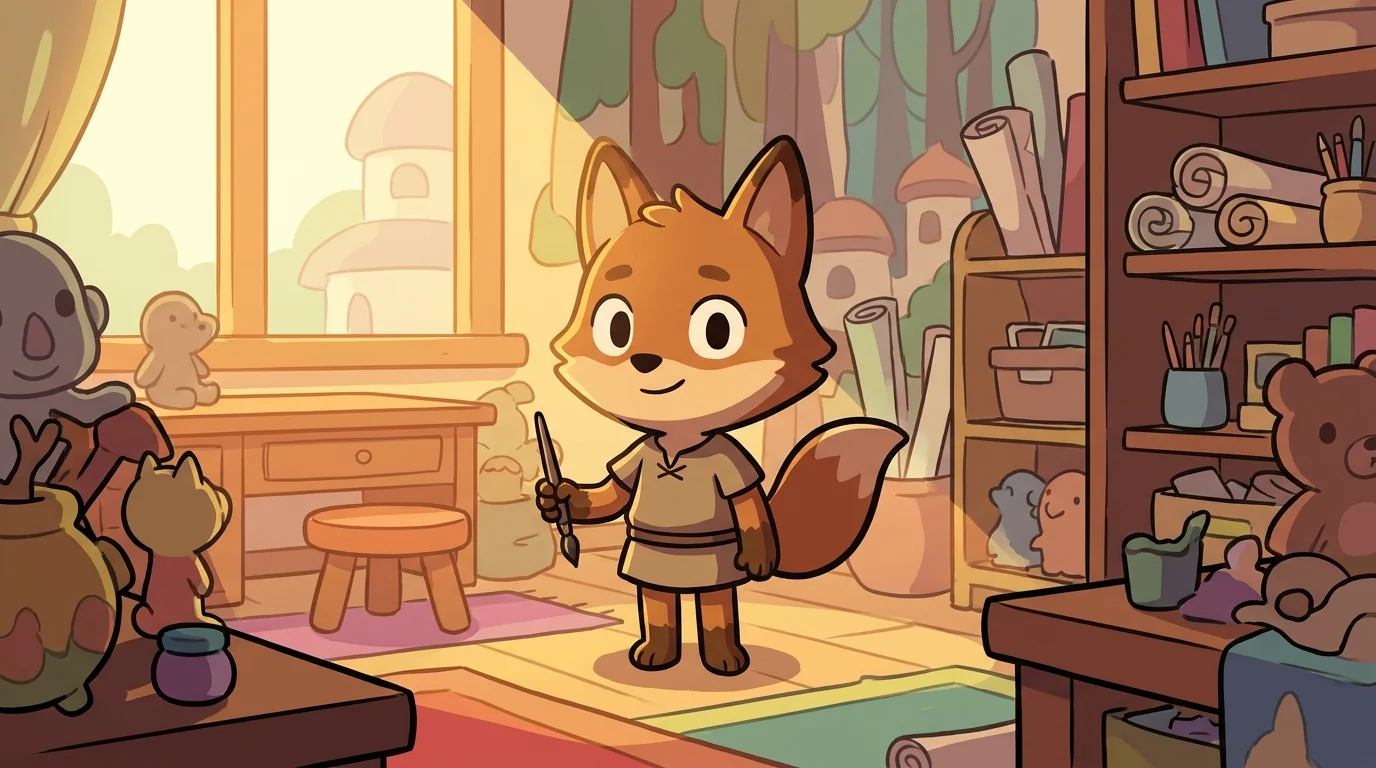
Rim was a fox-tween the color of dark bronze, and the first thing anyone noticed was that he had a clean, deliberate outline — not a heavy black one, but a warm dark line that ran around only part of him, so he stood out crisply against a busy room without looking like a sticker peeled off a page. Along his sunward side the line thinned to nothing and let him breathe into the light; along his shadow side it firmed up and cut him cleanly from the background. In his paw he carried a slim dark reed-pen, and he used it to draw the borders that decide where one thing ends and another begins.
He worked on the sprites that got lost — the characters that blended into their backgrounds, the little icons you couldn't find in a crowded scene. "An outline is a decision about separation," Rim would say. "It's the line that says this is the fox, and that is the forest behind the fox. But you have choices. A full heavy outline all the way around makes a shape pop hard — and can make it look boxed-in, trapped, like a coloring-book cutout. No outline lets it melt softly into the scene — and it can vanish. Selective outline — a line only where it's needed — lets a shape stand clear AND stay alive."
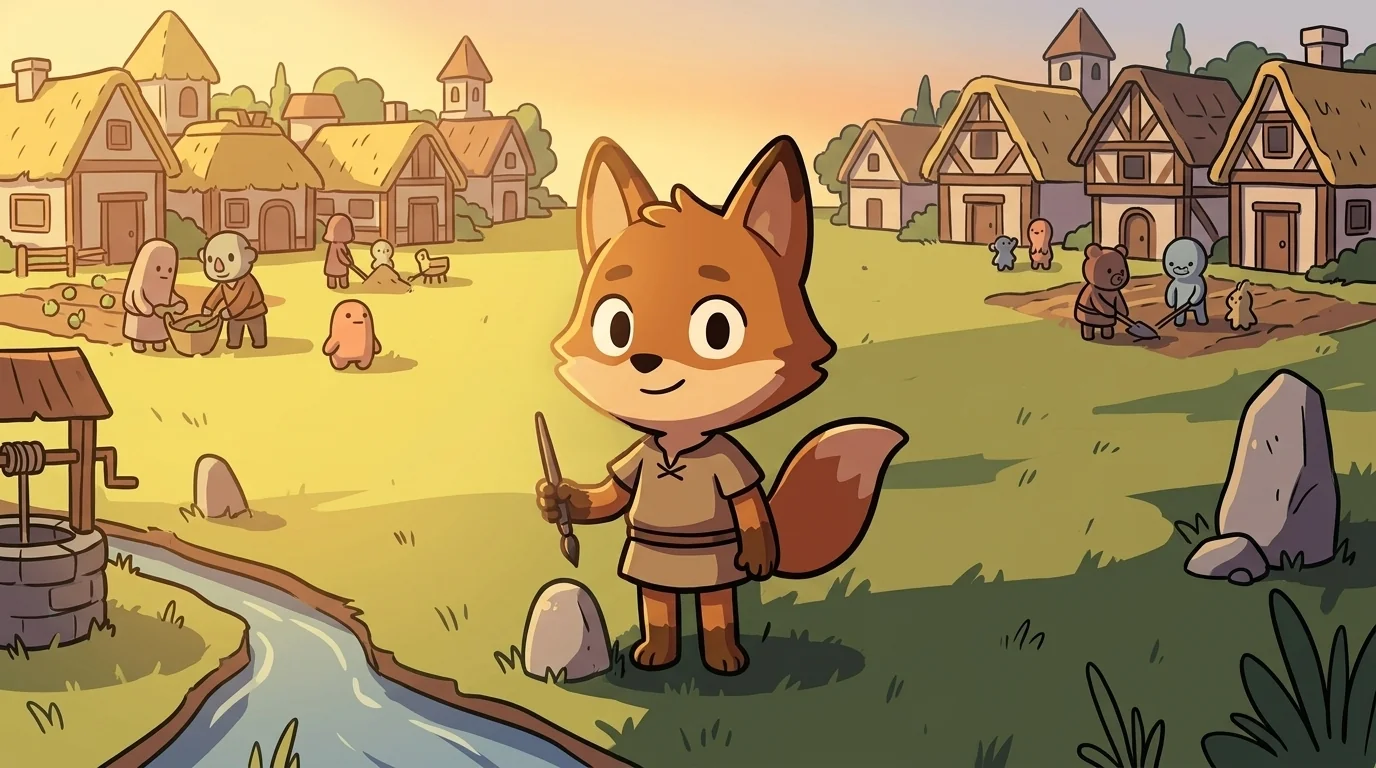
Rim grew up at the edge of two villages that shared one long, unmarked field, and his family were the boundary-walkers. Their job was the hardest kind of fairness: deciding where one farm's land ended and the next began. The old boundary had been a huge stone wall, and it had made both villages miserable — heavy, absolute, cutting neighbors off from each other so completely that friendships withered on either side of it. A wall that thick doesn't just separate; it traps.
Rim's grandfather tore the wall down and did something braver. He walked the line and set a marker-stone only where confusion actually happened — at the well both villages used, at the crooked stream, at the shared orchard. Everywhere the boundary was obvious, he left it open. The two villages could suddenly see each other again, wave across the clear stretches, and still know exactly whose field was whose at the spots that mattered.
"A good edge separates and connects," his grandfather told him, walking the field at dusk. "Mark only where the eye gets confused. Leave the rest open, or you build a wall, and a wall is just a line that forgot how to breathe." Rim grew up understanding edges as a kindness with a spine — firm where it needs to be, open everywhere else. He carried a marker-stone in his pocket until it wore smooth, then traded it for a reed-pen.
At twelve Rim walked to PixelForge with his slim reed-pen. Palette met him at the door.
"What is selective outlining?"
Rim drew a quick line in the air. "It's choosing where a shape's edge should be firm and where it should stay open," he said. "An outline separates the sprite from the background. Full outline all around: strong, but it can look boxed-in and dead. No outline: soft, but it can disappear into a busy scene. Selective outline: I draw the dark line only on the sides where the shape would otherwise get lost — usually the shadow side — and I leave the lit side open so it breathes. Firm where the eye's confused. Open everywhere else."
Palette looked at the fox whose own outline already thinned on the bright side and firmed on the dark. "You wear your own lesson," she said.
"I come from people who learned that a wall all the way around isn't a border — it's a trap," said Rim.
"You're the one," said Palette, and let him in.
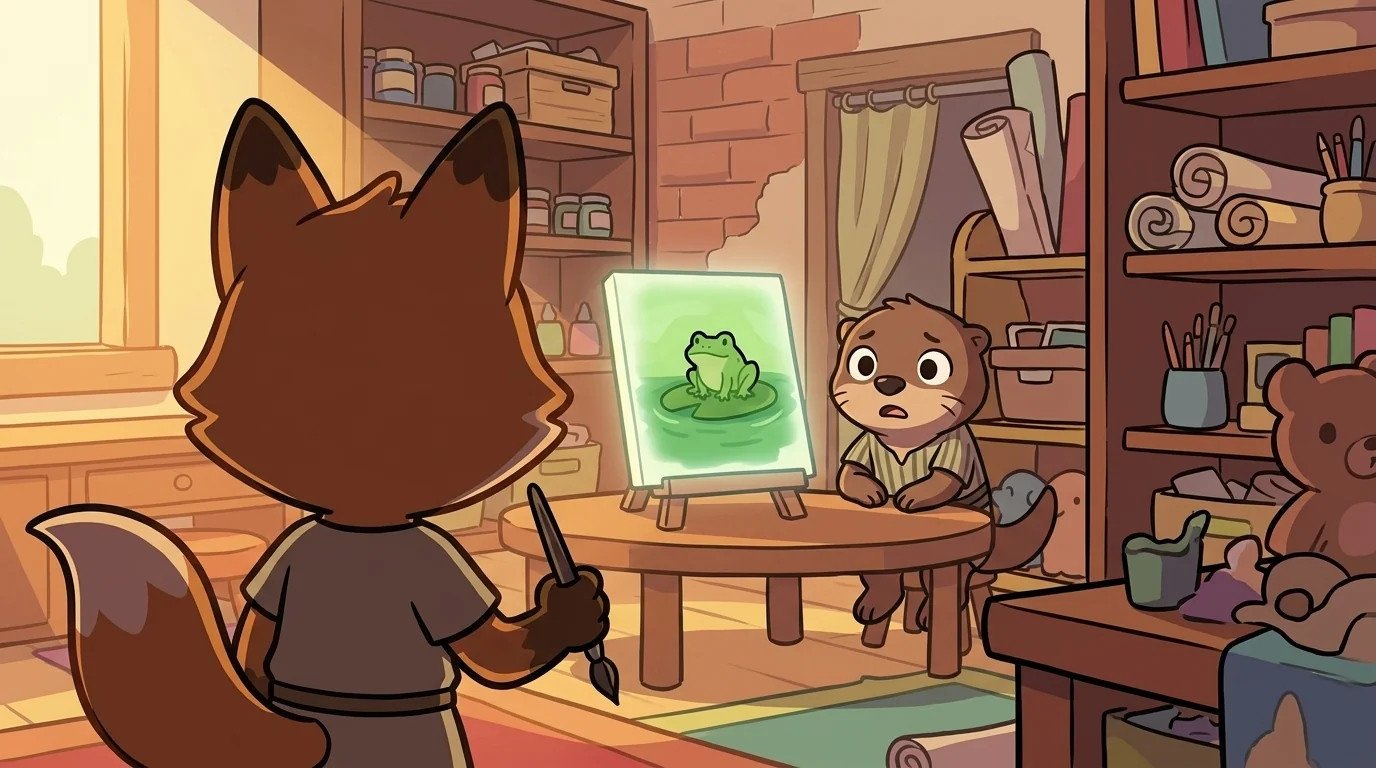
Rim's workshop had one wall left deliberately half-finished, a line of bricks that stopped where the doorway wanted to breathe. On his table sat the reed-pen and a glowing canvas, and today Sumi the otter-kit was staring, discouraged, at a picture of a little green frog on a green lily-pad on green water. The frog had vanished. It was green-on-green-on-green, a smear.
"You can't even see him," Sumi said miserably. "So I put a thick black line all the way around him and now he looks like a sticker somebody slapped on. It's worse."
"You built him a wall," Rim said gently. "Let's give him a border instead." He took the reed-pen and studied where the frog got lost — mostly along his bottom and shadow-side, where green frog met green pad. There, and only there, he laid a firm dark line. Along the frog's top and lit side, where the light already separated him from the water, Rim drew nothing — left it open. He set the pen down.
"Step back."
Sumi stepped back. The frog leapt out of the scene — clearly a frog, clearly on the pad and not stuck to the glass — and yet he still lived in the picture, part of the pond, not peeled off it. The heavy trapped look was gone.
"You only drew, like, half a line," Sumi said.
"I drew a line exactly where the eye couldn't tell frog from pond, and I trusted the light to do the rest," said Rim. He walked Sumi through the choices. First ask: is the shape even getting lost? If not, maybe it needs no outline at all. If it is, outline only the sides where it's confusing — usually the shadow side, since Sheen's light already separates the lit side. Match the outline's darkness to the picture; a pure-black wall around a soft scene shouts. And know the trap: a full outline everywhere is the beginner's reflex, and it makes everything look like flat cutouts pinned to a board.
"An edge should separate and connect," Rim said. "Firm where the eye's confused. Open everywhere else."
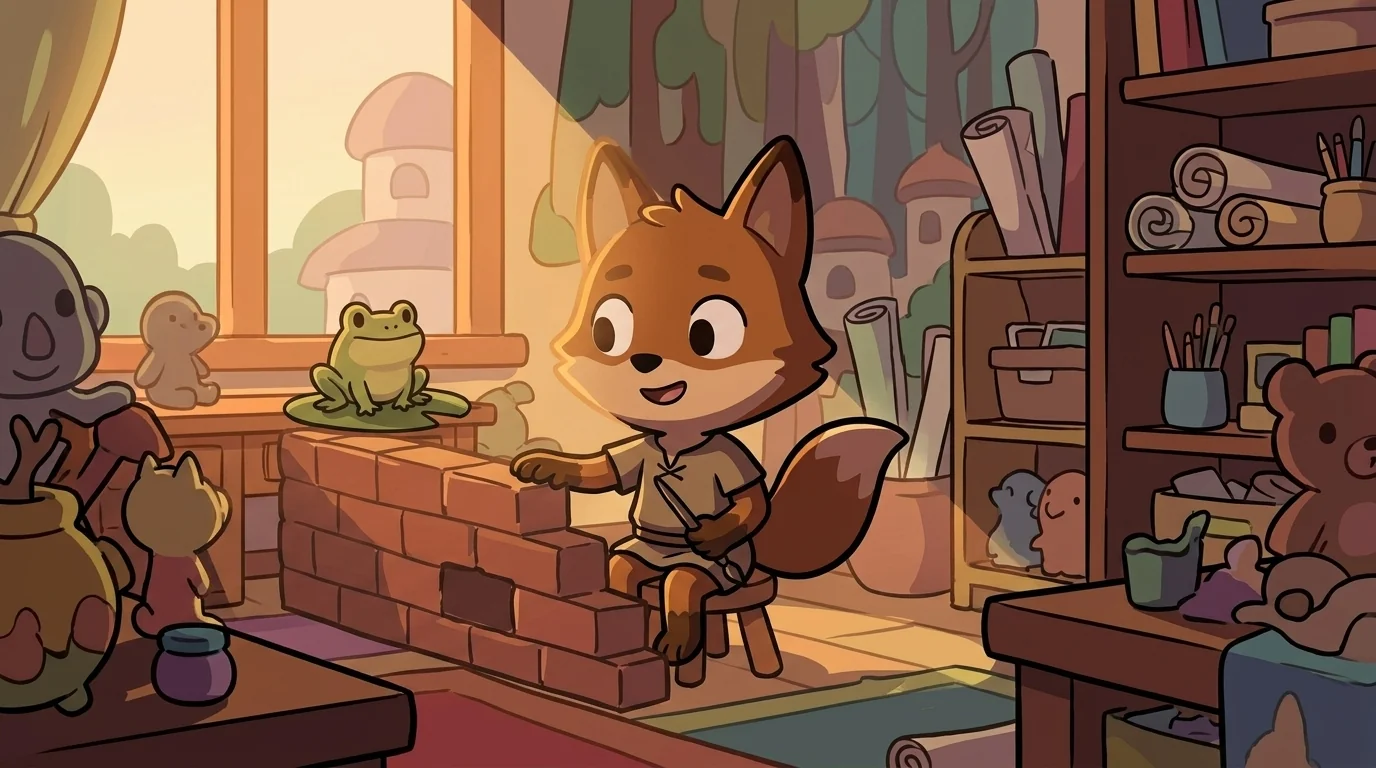
When the workshop light lowered, Sumi stayed, watching the frog sit clear-and-alive on his pad.
"I always outline everything, all the way around," Sumi confessed. "It feels safer. Like if I don't wall it off, it'll get lost and it'll be my fault."
Rim sat down by the half-finished brick wall and patted the open gap in it. "I know that feeling — defend every edge, wall the whole thing off, so nothing can blur. But a shape walled off on every side doesn't look safe. It looks trapped, and a little lonely, cut off from its own picture." He tapped the frog gently. "He stands out more now, not less, because I only firmed the edges that needed it and let the rest stay open. You're allowed to leave some of your edges soft. It doesn't make you disappear. It makes you look alive."
Something in Sumi eased — the particular relief of learning you don't have to defend every side of yourself to be clearly seen.
"Firm where you're confused. Open everywhere else," Rim said, resting his paw on the breathing gap in the wall. "Doesn't it feel lighter, not having to wall the whole thing off?"
The PixelForge ensemble
Rim is part of PixelForge's distributed-narrative cast. Each character embodies a different curricular primitive; together they teach the full subject.
-

Speck
The single pixel — the atomic unit of pixel art; every image is a grid of these
-

Shade
The palette ramp — a small set of colors arranged from darkest to lightest (the foundation of pixel-art shading and form)
-
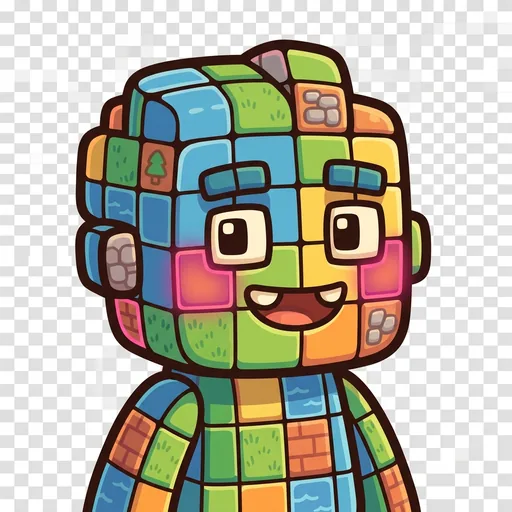
Grid
The tilemap grid — pixels snapped to repeating units that form tiles, tilesets, and game maps
-
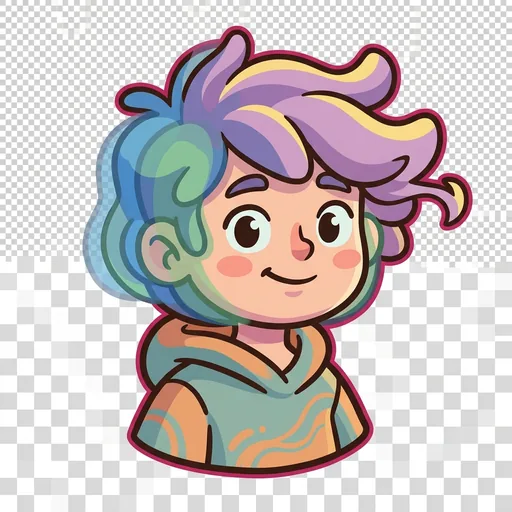
Tween
The in-between frame — the animation frame that sits between two keyframes, giving motion its smoothness
-
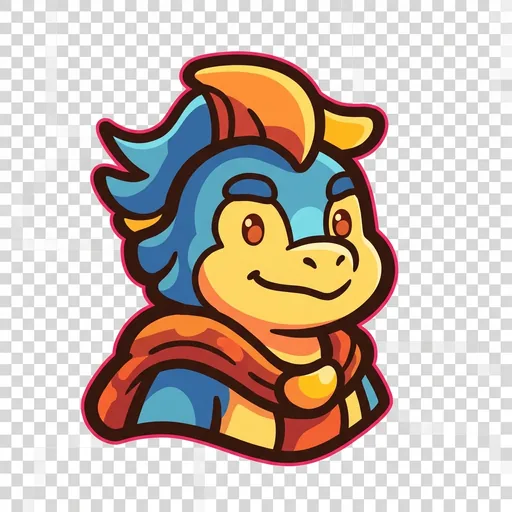
Banner
The impact pose — the heroic / dramatic silhouette that reads instantly at thumbnail size (the principle that good character art is recognizable from its outline alone)
-
Stipple
Dithering — scattering two colors in a checker pattern so your eye blends them into a third; how pixel artists fake a smooth gradient with a tiny palette
-
Feather
Anti-aliasing — tucking a few in-between pixels along a jagged edge so a curve reads smooth instead of like a staircase
-
Sheen
Light source and form shading — choosing where the light comes from, then placing highlights and shadows so a flat shape turns round
-

Cycle
Color-cycling animation — making water and fire flow by shifting which colors sit in the palette slots, without moving a single pixel
-

The Sprite
A finished character sprite coming to life — how placed pixels, a color ramp, chosen light, a clean outline, and smoothed edges layer together into one whole little hero