Shade, Sheen and Feather
MAKING IT ROUND WITH SQUARES — you can make a flat grid of square pixels look solid and rounded: Shade builds a palette ramp from dark to light, Sheen picks a light source and shades the form so the light side is bright and the far side is dark, and Feather places a few in-between pixels along jagged edges to smooth them
A story read by Shade, Sheen and Feather
Loading audio…
Press play to listen along. The line being read lights up as you go.
Show full transcript
Loading transcript…
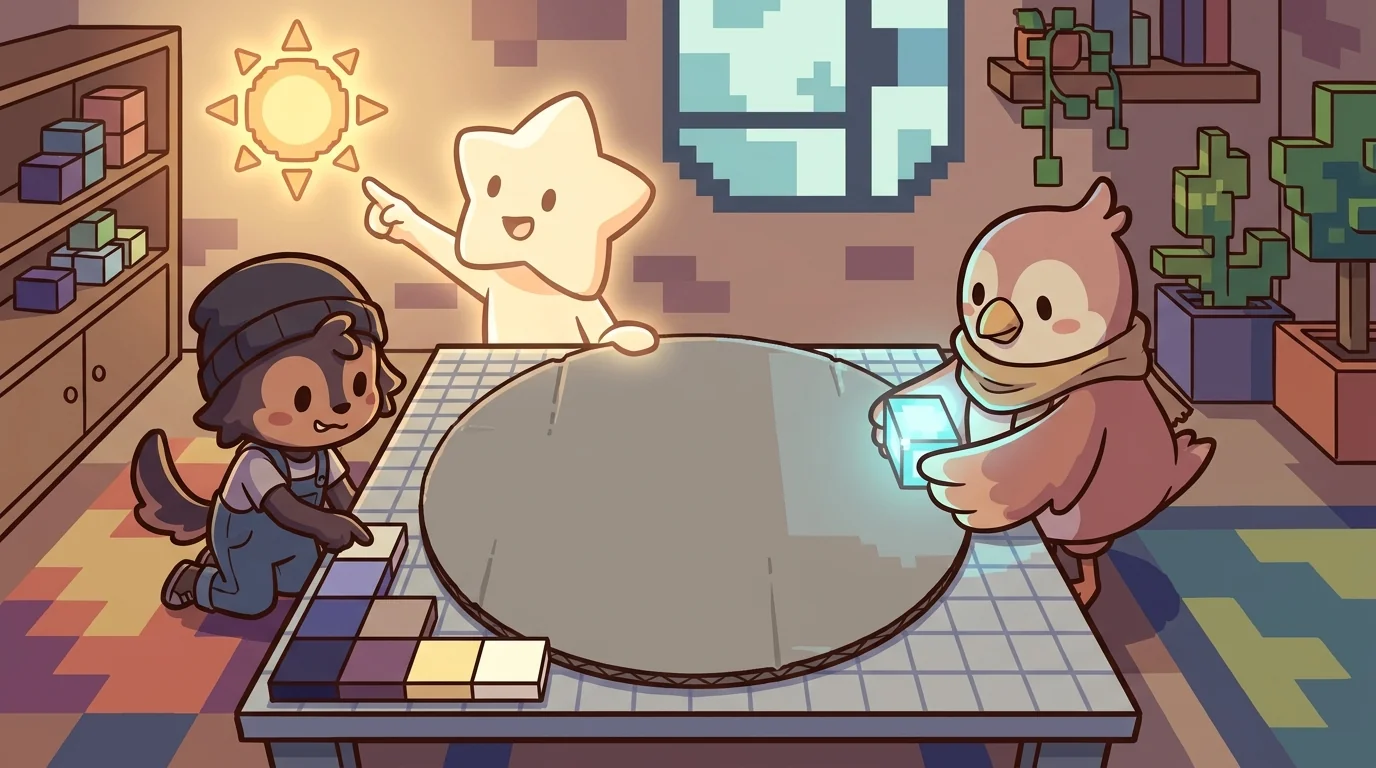
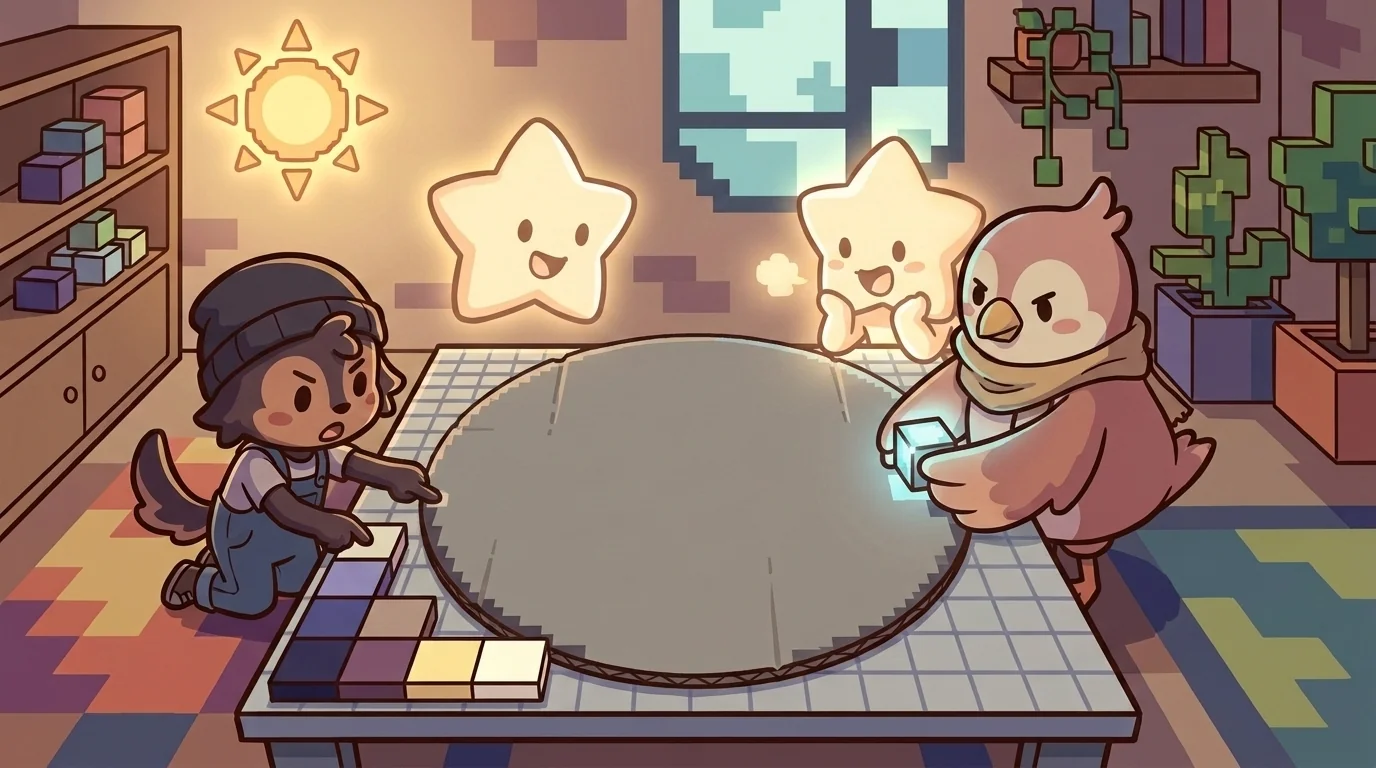
A flat gray circle sat on the pixel grid, and it looked exactly like what it was: a flat blob of one color, dull and cardboard-y. Three friends gathered around it, because they were about to do something that always feels like a small magic trick — make that flat blob look like a solid, round ball, using nothing but carefully chosen squares.
Shade laid out a little strip of colors, from darkest to lightest.
Sheen pointed up and to the left, deciding where the sun was.
And Feather held a single pixel, ready to soften a jagged step.
"It's flat because it's all one color," said Shade. "One flat color reads as a flat shape, always. Watch what happens when I give it a range."
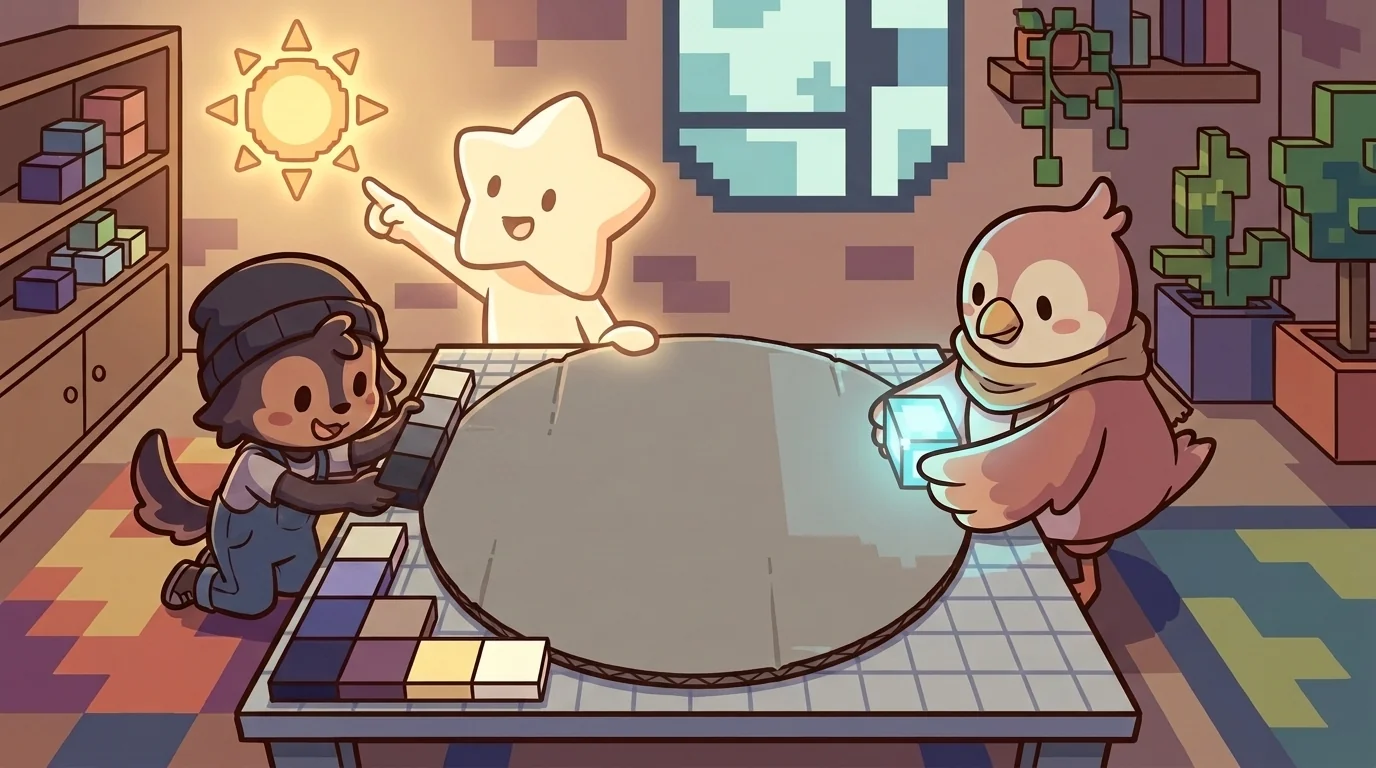
Shade went first, laying out the palette ramp — because you cannot show roundness with a single color; you need a range from dark to light.
"Here's my ramp," said Shade, setting out a strip of grays: a deep dark, a medium, a light, a near-white — a small handful of colors arranged darkest to lightest. "Just a few. You don't need dozens — a good ramp is a small set, spaced evenly from shadow to highlight." Shade held up the strip. "One flat color can only ever say 'flat.' But a ramp — a range of shades from dark to light — is the raw material of roundness, because a round thing is darker where it curves away and lighter where it faces you. I don't place them yet — that's Sheen's job. I just build the palette: the vocabulary of light and dark that the whole illusion will be spoken in. Get the ramp right — evenly spaced, not too many, dark enough dark and light enough light — and you've laid the foundation. Everything else is just knowing where to put each shade."
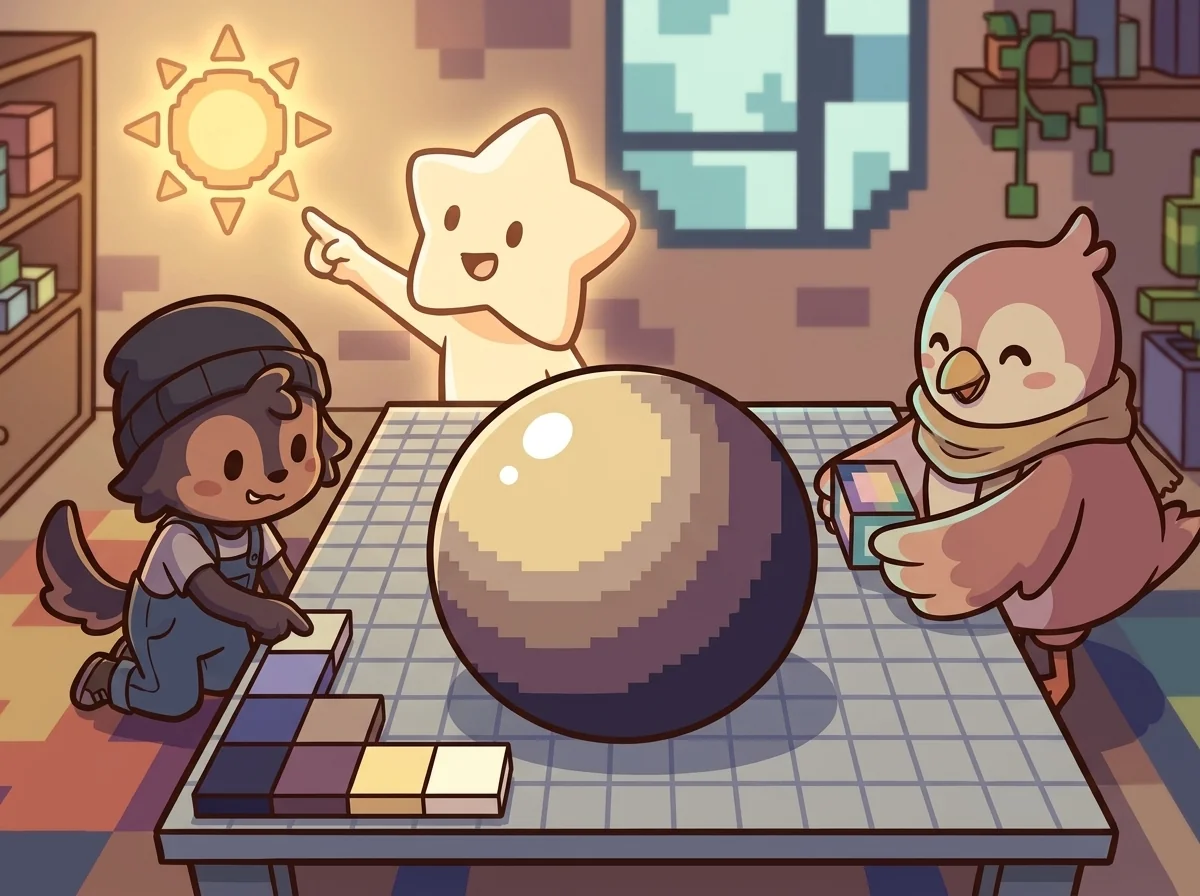
Then Sheen pointed up and to the left, and the flat circle popped into a ball — because roundness is really just shading to a light source.
"Now the magic," said Sheen. "I decide where the light comes from — let's say up and to the left, like an afternoon sun. And then I just... obey it." Sheen placed the ramp's colors according to that one decision: the lightest shade on the upper-left, where the imaginary sun would hit; the mid-tones curving around; the darkest shade on the lower-right, curving away into shadow; and a tiny near-white highlight dot right where the light would gleam brightest. And the flat gray circle stopped being flat. It rounded. It became a ball, solid and lit, sitting there on the grid. "That's it! That's the whole trick," said Sheen. "Pick a light source — commit to it — and then put the bright shades where the light hits and the dark shades where it doesn't. Suddenly a flat shape has form. And the secret is consistency: every part of the picture has to be lit by the same sun. Once you decide where the light comes from and shade everything to match, flat squares turn solid before your eyes."
And then Feather stepped in for the finishing touch — softening the harsh, jagged, stair-stepped edges with a few clever in-between pixels.
"Look at the edge of the ball," said Feather. "Where the curve goes diagonal, the pixels make an ugly staircase — jaggy, harsh, obviously made of squares." Feather peered close. "So along that jagged edge, I place a few pixels of an in-between color — a shade halfway between the ball and the background — right in the stair-step corners." Feather dabbed the in-between pixels into the jagged spots. "And now the eye, from a normal distance, blends them — the staircase softens into a smooth curve. That's anti-aliasing: a handful of in-between pixels that trick the eye into seeing a smooth edge where there's really a jagged one." Feather stepped back. "It's the smallest touch of all — just a few pixels — and it's what separates a rough sprite from a clean, professional one. The eye doesn't see the individual squares anymore. It sees a smooth, round, solid ball. And it never suspects it's really just a careful little grid of squares."

And there it was — the flat dull blob transformed into a solid, lit, smooth-edged ball, made of nothing but a small ramp of shades, one committed light source, and a handful of in-between edge pixels.
"Good ramp," said Sheen.
"Good light," said Feather.
"Good edges," said Shade.
There is a real, grinning satisfaction in pixel art's central magic — that a flat grid of little squares can be coaxed into looking solid, round, and real, through nothing but small, careful, deliberate choices. It teaches something quietly powerful: that a handful of right small decisions — a good ramp, a committed light source, a few smart edge pixels — can transform something flat and dull into something that pops with life. And that satisfying click, when a flat blob suddenly rounds into a ball under your hands, is a feeling worth chasing — the joy of watching careful little choices add up to something that looks, wonderfully, like magic.
The PixelForge ensemble
Shade, Sheen and Feather is part of PixelForge's distributed-narrative cast. Each character embodies a different curricular primitive; together they teach the full subject.
-

Speck
The single pixel — the atomic unit of pixel art; every image is a grid of these
-

Shade
The palette ramp — a small set of colors arranged from darkest to lightest (the foundation of pixel-art shading and form)
-
Grid
The tilemap grid — pixels snapped to repeating units that form tiles, tilesets, and game maps
-
Tween
The in-between frame — the animation frame that sits between two keyframes, giving motion its smoothness
-
Banner
The impact pose — the heroic / dramatic silhouette that reads instantly at thumbnail size (the principle that good character art is recognizable from its outline alone)
-

Stipple
Dithering — scattering two colors in a checker pattern so your eye blends them into a third; how pixel artists fake a smooth gradient with a tiny palette
-
Feather
Anti-aliasing — tucking a few in-between pixels along a jagged edge so a curve reads smooth instead of like a staircase
-

Sheen
Light source and form shading — choosing where the light comes from, then placing highlights and shadows so a flat shape turns round
-
Rim
Selective outlining — drawing the edge only where a sprite would get lost, so it pops from the background without looking boxed-in
-

Cycle
Color-cycling animation — making water and fire flow by shifting which colors sit in the palette slots, without moving a single pixel
-

The Sprite
A finished character sprite coming to life — how placed pixels, a color ramp, chosen light, a clean outline, and smoothed edges layer together into one whole little hero