STEAM
ReelForge
Players learn filmmaking principles by creating short films within a virtual studio -- storyboarding scenes, choosing camera angles, directing lighting, designing sound, and editing on a timeline. Progress from single-shot exercises to multi-scene narratives, unlocking techniques from the history of cinema. The only unified filmmaking education app on iOS.

Meet your mentor
Every Spark & Anvil app has a friendly mentor character that demonstrates, praises, and patiently scaffolds learning. On-device AI personalizes the mentor's responses to your kid's progress — never connecting to a server, never collecting data.
Mentored by Slate
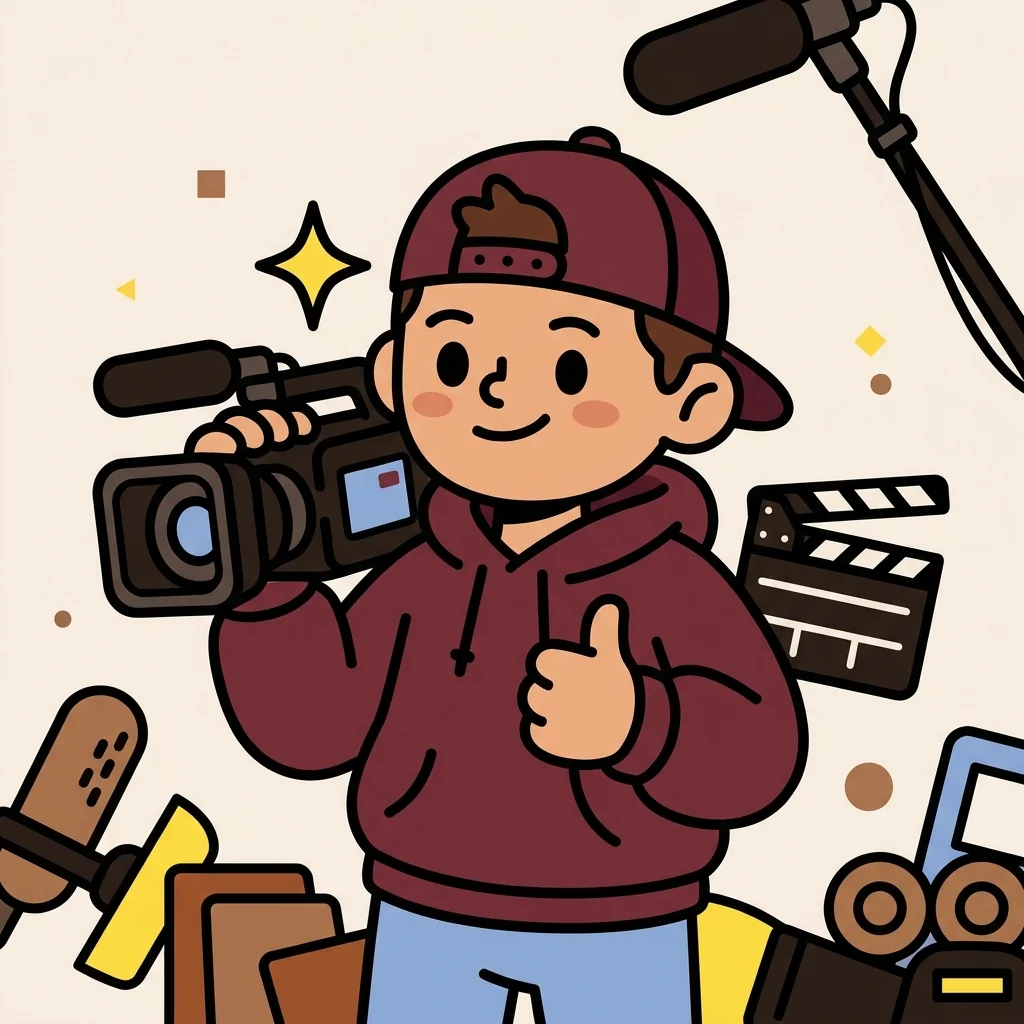
#E91E63 ReelForge is a filmmaking school on your device! Learn how movies are made by storyboarding scenes, choosing camera angles, setting up lighting, designing sound, and editing clips on a timeline. Start with single shots and work your way up to directing multi-scene short films. Lights, camera, action!
Distributed-narrative cast
Meet the cast
ReelForge's 6-character filmmaking-craft cast maps 1:1 to the 6 craft primitives — storyboarding / camera / lighting / sound / editing / narrative. Cast: Draft (storyboard) / Aim (camera) / Bright (lighting) / Buzz (sound) / Snip (editing) / Whole (narrative). Slate preserved as mentor. Cross-app cameos: Snip ↔ EffectsForge / Aim ↔ FrameQuest (camera-craft shared design); Buzz ↔ StageForge / Bright ↔ PixelForge / Whole ↔ TaleForge. NO real-director mascotization.
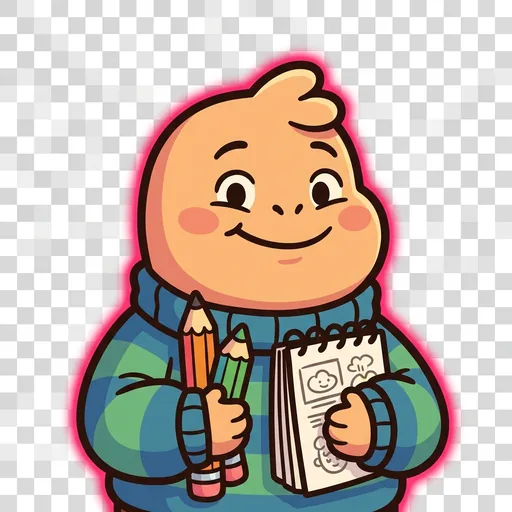
Draft
Storyboarding — pre-visualization; 'Draw it first. Then film it.'
Read chapter →
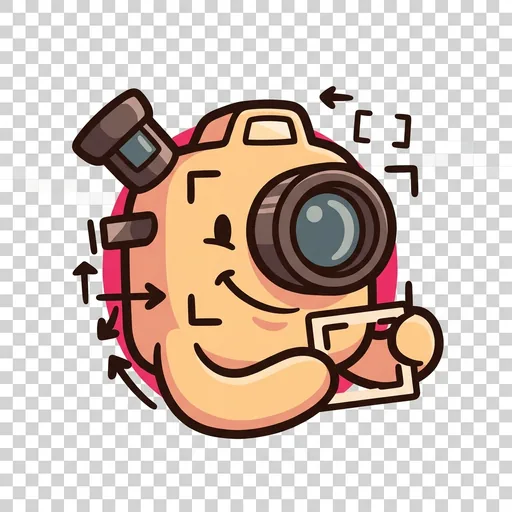
Aim
Camera angles + framing — 'Where the camera stands changes the story.'
Read chapter →
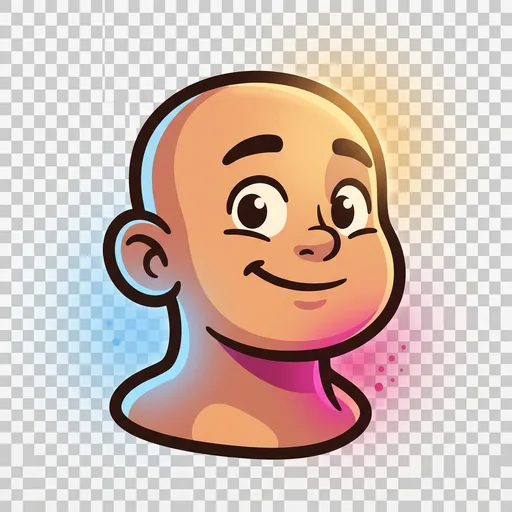
Bright
Lighting design — 'Three lights. Different feelings.'
Read chapter →
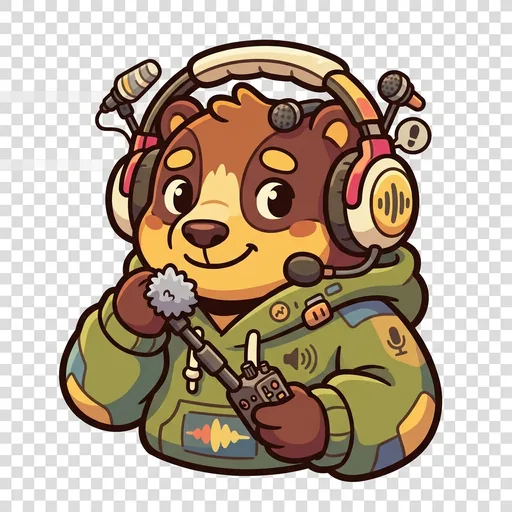
Buzz
Sound design — foley + ambient + dialogue — 'Sound is the other half.'
Read chapter →
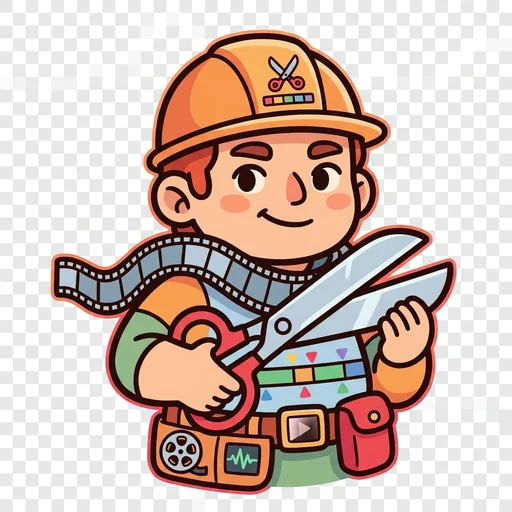
Snip
Editing — timeline + transitions + pacing — 'Cut here. Not there.'
Read chapter →

Whole
Multi-scene narrative — 'Beginning. Middle. End.'
Read chapter →
Browse all 6 chapters → · What's distributed-narrative methodology? →
What's inside
Storyboard Creator
Plan your film scene by scene. Draw or arrange frames that show what each shot will look like. A good storyboard is the blueprint for a great film.
Virtual Film Set
Step onto a virtual film set and control everything. Move the camera to get the right angle -- wide shot, close-up, or over-the-shoulder. Adjust the lights to s
Sound Designer
Add music, sound effects, and dialogue to your scenes. Learn how sound changes the mood of a film -- the same scene feels completely different with scary music
Timeline Editor
Put your shots together on a timeline to create a complete film. Trim clips, rearrange scenes, and add transitions. See how the order of shots tells a story.
Mentored by Slate — on-device AI, no data leaves the device.
How ReelForge handles your kid's data
- ✅ All progress, settings, and AI-generated content stays on the device
- ✅ No analytics, no tracking, no third-party SDKs
- ✅ No ads, no in-app purchases — you pay once
- ✅ COPPA compliant under the 2026 FTC amendments
- ✅ Parental controls + session limits + content filters built in
ReelForge runs on ForgeKit — the open-source Swift Package Manager framework that powers every Spark & Anvil app. ForgeKit ensures consistent accessibility, COPPA compliance, and design language across the portfolio, so your kid's progress and preferences feel coherent across every app they touch.
Coming to the App Store
ReelForge is in active development. Email us to hear when it ships — no marketing, no spam, just a one-shot launch announcement.
Email me at launch