
STEM
CircuitForge
Build circuits on a virtual breadboard, watch electricity flow, code virtual robots, and learn the engineering behind every electronic device you use.
Meet your mentor
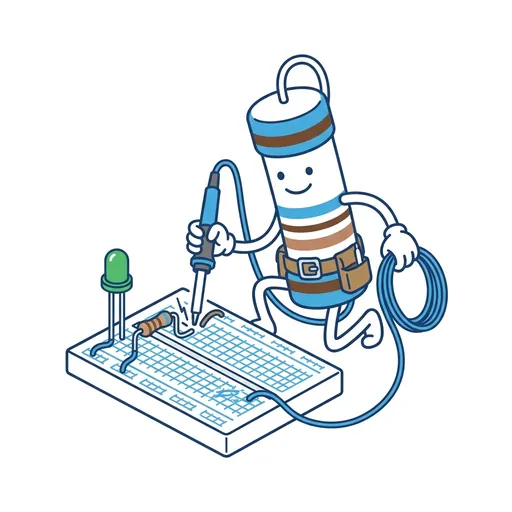
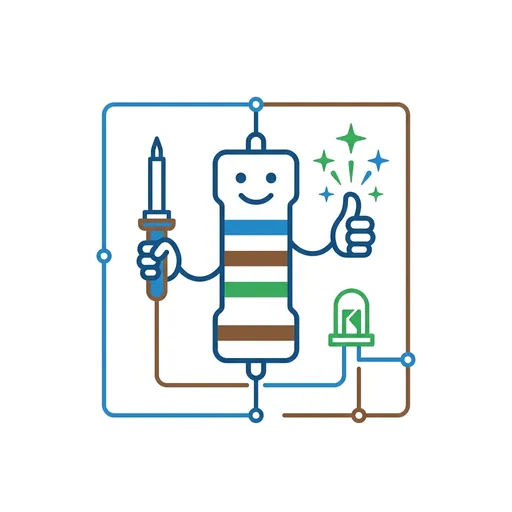
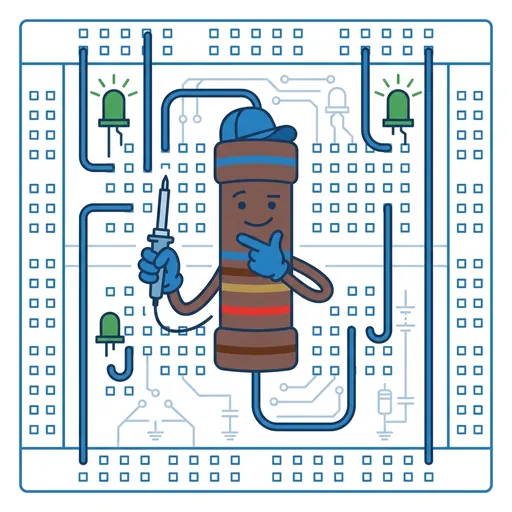
Every Spark & Anvil app has a friendly mentor character that demonstrates, praises, and patiently scaffolds learning. On-device AI personalizes the mentor's responses to your kid's progress — never connecting to a server, never collecting data.
Mentored by Watt
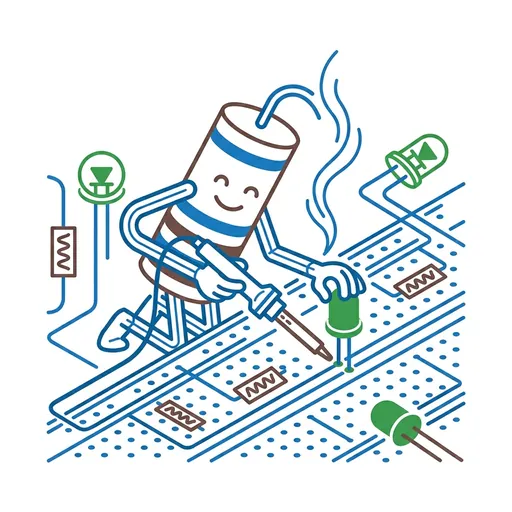
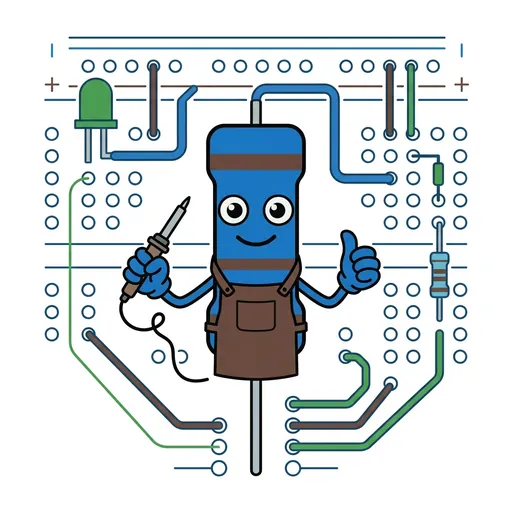
#29B6F6 CircuitForge is an electronics workshop on your phone! Build circuits on a virtual breadboard, watch electricity flow through every wire, measure voltage with a virtual multimeter, and even program robots with block coding. Learn how every electronic device around you actually works.
Distributed-narrative cast
Meet the cast
CircuitForge's 5-character cast embodies the four electrical primitives plus the construction primitive that ties them together. Watt (mentor) frames each; the cast embodies them in a way kids can SEE and BUILD on a virtual breadboard. Water-analogy register (pressure / flow / slowdown / topology) chosen because it scaffolds the physics without requiring prior abstract-math fluency; circuit-building practice is the load-bearing curricular activity.

Push
Voltage — the pressure difference that drives current; measured in volts
Read chapter →

Flow
Current — electrons moving through wires; measured in amperes
Read chapter →

Damp
Resistance — the slowdown; measured in ohms; Ohm's Law (V = I × R) emerges from Push + Flow + Damp together
Read chapter →

Branch
Series vs parallel topology — one path or many; the topology decides the behavior
Read chapter →

Build
Component-wiring craft — every component has a job; wire them together and the circuit comes alive
Read chapter →
Browse all 5 chapters → · What's distributed-narrative methodology? →
What's inside
Breadboard Builder
Place components like batteries, LEDs, resistors, and switches on a virtual breadboard. Connect them with wires and flip the switch to see if your circuit works
Virtual Multimeter
Use the multimeter tool to measure voltage and current at any point in your circuit. This helps you understand what the electricity is doing and fix problems.
Code-a-Robot
Program a virtual robot using drag-and-drop code blocks. Tell it to move, turn, flash lights, and make sounds. Then watch it follow your instructions!
Engineering Challenges
Solve real-world puzzles like "Build a circuit that makes two LEDs blink in a pattern" or "Design an alarm system." Each challenge teaches a new electronics con
Mentored by Watt — on-device AI, no data leaves the device.
How CircuitForge handles your kid's data
- ✅ All progress, settings, and AI-generated content stays on the device
- ✅ No analytics, no tracking, no third-party SDKs
- ✅ No ads, no in-app purchases — you pay once
- ✅ COPPA compliant under the 2026 FTC amendments
- ✅ Parental controls + session limits + content filters built in
CircuitForge runs on ForgeKit — the open-source Swift Package Manager framework that powers every Spark & Anvil app. ForgeKit ensures consistent accessibility, COPPA compliance, and design language across the portfolio, so your kid's progress and preferences feel coherent across every app they touch.
Coming to the App Store
CircuitForge is in active development. Email us to hear when it ships — no marketing, no spam, just a one-shot launch announcement.
Email me at launch